Free Online BPM & Key Finder
Find the tempo, musical key and Camelot code of your audio file. No account needed. Your music stays on your device.
Upload Your Music File
Drop a file here or use the Select File button
MP3, WAV, FLAC, M4A, AAC, OGG and AIFF · decoding support depends on your browser.
Free to use · One file at a time · Audio stays on your device
No file handy? Analyze a 16-second C-major example generated on your device.


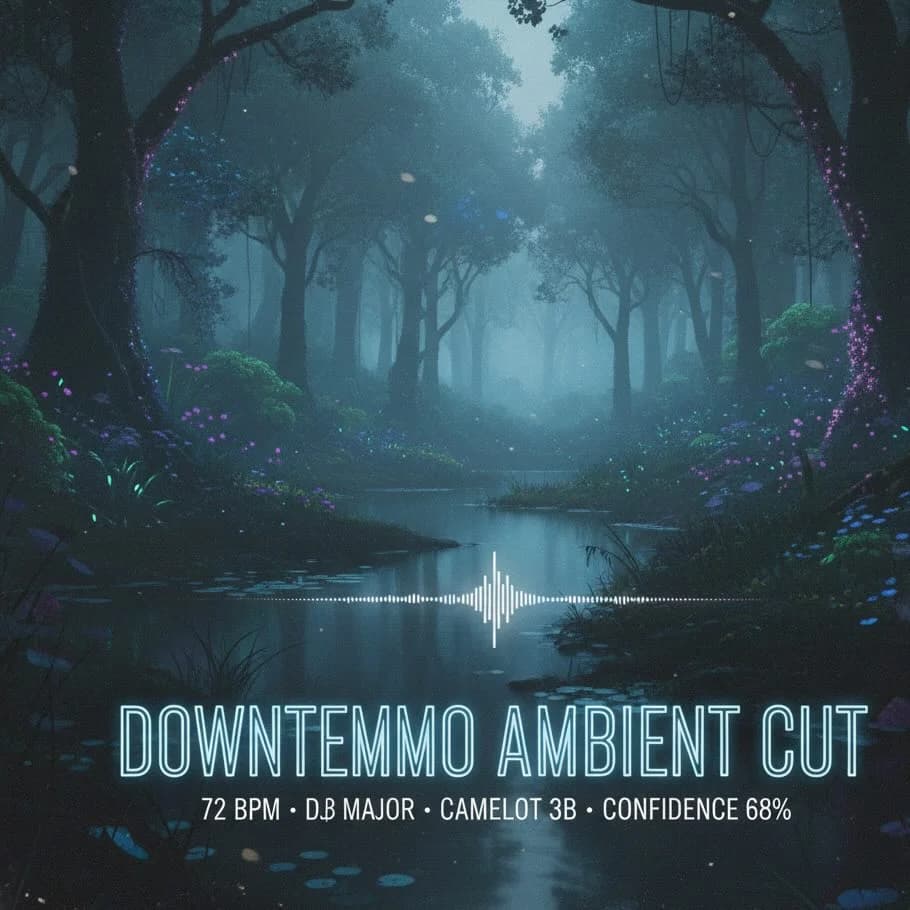
BPM and Key Finder - Verify tempo and key before you hit play
Find the tempo, musical key and Camelot code of your audio file. No account needed. Your music stays on your device.
Free to use · One file at a time · Audio stays on your device
How the analysis works
Practical estimates, local processing and clear limits.
Audio analysis with Essentia.js
The analyzer estimates tempo and musical key from the audio signal. Results can be ambiguous for live recordings, sparse percussion, short clips or songs that change key. Use them as a starting point and check by ear.
Private by default
All processing happens locally on your machine. Your track never leaves your browser, so you retain complete control of your music files. There's no cloud processing, ensuring full privacy for sensitive or unreleased tracks.
Built for real DJ sets
The analysis output includes extras like Camelot wheel key codes, major/minor mode detection, and confidence ratings. This added context ensures you can plan song transitions with reliable harmonic compatibility, keeping your mixes musical and smooth.
Three Steps to Reliable BPM & Key Data
Select a local file, let the browser analyze it, then review or share the result.
Choose an audio file
Select or drop an MP3, WAV, FLAC, M4A, AAC, OGG or AIFF file. Browser decoding support varies. Long tracks use more memory, so try a shorter excerpt if needed.
Analyze locally
After the analysis engine loads, your browser decodes the file and estimates tempo and key with Essentia.js. Your audio is not sent to a server.
Review and share
Read BPM, major/minor key, Camelot code and the key-strength estimate. Analyze another file or copy a result link. Batch queues, CSV export and saved history are not currently available.
Features to Keep Your Library Ready for the Booth
Each feature is designed around real-world DJ prep, remix sessions, and classroom planning.
Tempo estimates
Automatic BPM detection can return half or twice the tempo you expect. Count the beats by ear before setting a project or mixing tracks.
Key and Camelot notation
See musical key and Camelot code together. For example, C major is 8B and A minor is 8A. Adjacent wheel numbers or the same number across A/B can be useful starting points for mixing.
One track at a time
Analyze a file, review its result, then choose another. Each file is processed locally, with no daily usage counter.
Key strength
The key-strength score describes the algorithm’s fit to a key profile. It is not a probability that the key is correct; relative major/minor keys and changing harmonies can be ambiguous.
Share result links
Copy the analysis metadata into a shareable link. The link contains the filename and results, not the audio. Anyone with the link can read those details.
Try your browser
Use local files on desktop or mobile. Codec support and available memory vary by browser. Try WAV or a shorter excerpt if decoding fails.
Ways to use BPMKeyFinder
Use tempo and key estimates as a starting point for music preparation, then check the result by ear.
Touring and club DJs
Confirm track tempos and compatible keys before stepping on stage, ensuring that transitions between new promo tracks or custom edits remain musically seamless.
Music producers & editors
Align samples, stems, and cue points perfectly to your project's grid. Quickly identify if a vocal or instrument track needs to be transposed or time-stretched to fit your mix.
Educators & choreographers
Provide students or dance teams with reliable BPM and key information without needing expensive, complex software. It's an efficient way to plan music for classes and choreography, using accurate data to save time.
Free analysis, without a subscription
Analyze local audio files one at a time. There is no daily analysis counter, account requirement or paid Pro plan.
BPM & key analysis
$0
- ✓ BPM, musical key and Camelot code
- ✓ No daily analysis quota
- ✓ Audio processed on your device
- ✓ Share a result link; audio is not included
Frequently Asked Questions
Answers to the topics DJs, producers, and educators ask us most often.
How accurate is the analyzer?
The analyzer estimates tempo and musical key from the audio signal. Results can be ambiguous for live recordings, sparse percussion, short clips or songs that change key. Use them as a starting point and check by ear.
Do my audio files ever leave my device?
No. All analysis runs entirely in your web browser. We never upload, store, or queue your music files on any server, and nothing is ever cached outside your local session.
Which formats and track lengths are supported?
Select or drop an MP3, WAV, FLAC, M4A, AAC, OGG or AIFF file. Browser decoding support varies. Long tracks use more memory, so try a shorter excerpt if needed.
Can I analyze streaming audio or YouTube links?
No. The analyzer currently accepts local audio files only. It cannot fetch a track from a YouTube, Spotify or other streaming URL.
How does the share feature work?
After analyzing a track, you can click the 'Share Result' button to generate a unique shareable link. This link encodes the analysis results (BPM, key, energy, etc.) directly in the URL using base64 encoding. Anyone with the link can view the results without needing to re-analyze the file. No server storage is required, and the link never expires.
Is my shared data private and secure?
Yes. The share feature only includes analysis metadata (BPM, key, Camelot code, etc.) – never your actual audio file. The data is encoded in the URL itself, not stored on any server. However, anyone with the link can view the results, so only share links with people you trust. Your original audio file always stays on your device and is never uploaded.
Is this BPM and key finder free?
Yes. The current analyzer is free, requires no account and has no daily analysis quota. It handles one local file at a time. There is no paid Pro plan, batch queue, CSV export or saved analysis history.
Why does the BPM look half or twice as fast?
A groove can be counted at different pulse levels: 70 and 140 BPM can describe the same recording. Try tapping along and check whether half or double the reported number fits your track.
What does the Camelot code mean?
Camelot represents minor keys with A and major keys with B. C major is 8B and A minor is 8A. Adjacent numbers on the same ring, or the same number on the other ring, can suggest compatible keys; listen to the transition to confirm.
Plan Smarter Sets with Verified Tempo and Key Data
Choose a local audio file to estimate its BPM and key, or read the workflow guide for practical tips.